Projects Console Workflow
Use the Projects page to create a project, then open it to manage flags, environments, users, and SDK keys.
More on this: after opening a project, continue in Features Workspace.
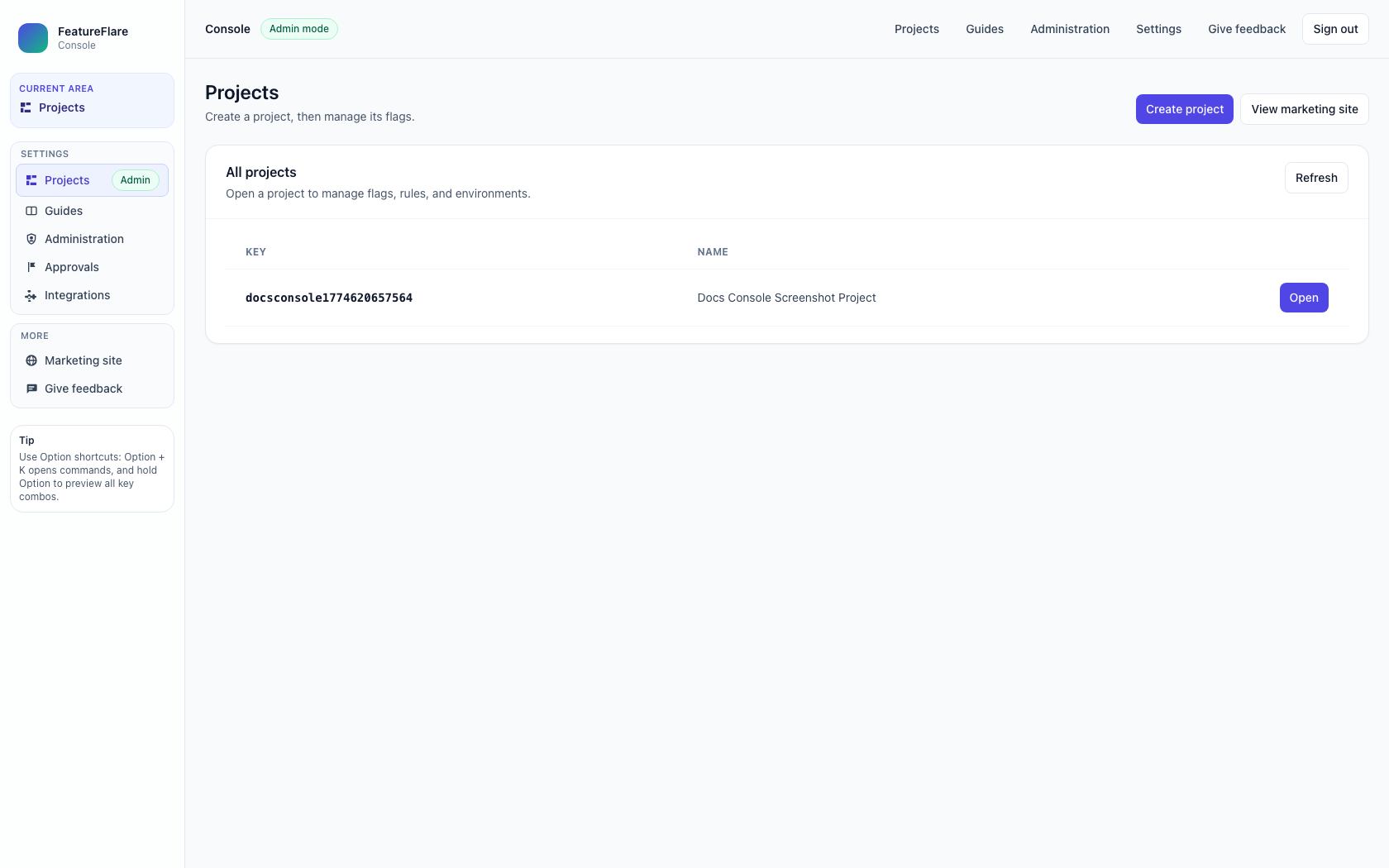
Projects page
This is the console landing area where you can create projects and access existing ones.
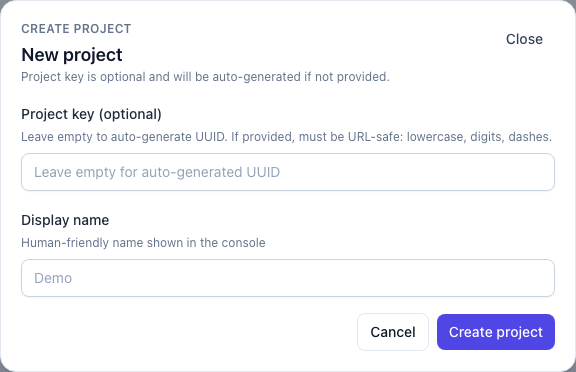
Create Project modal
Select Create project, optionally provide a project key, enter a display name, then submit.
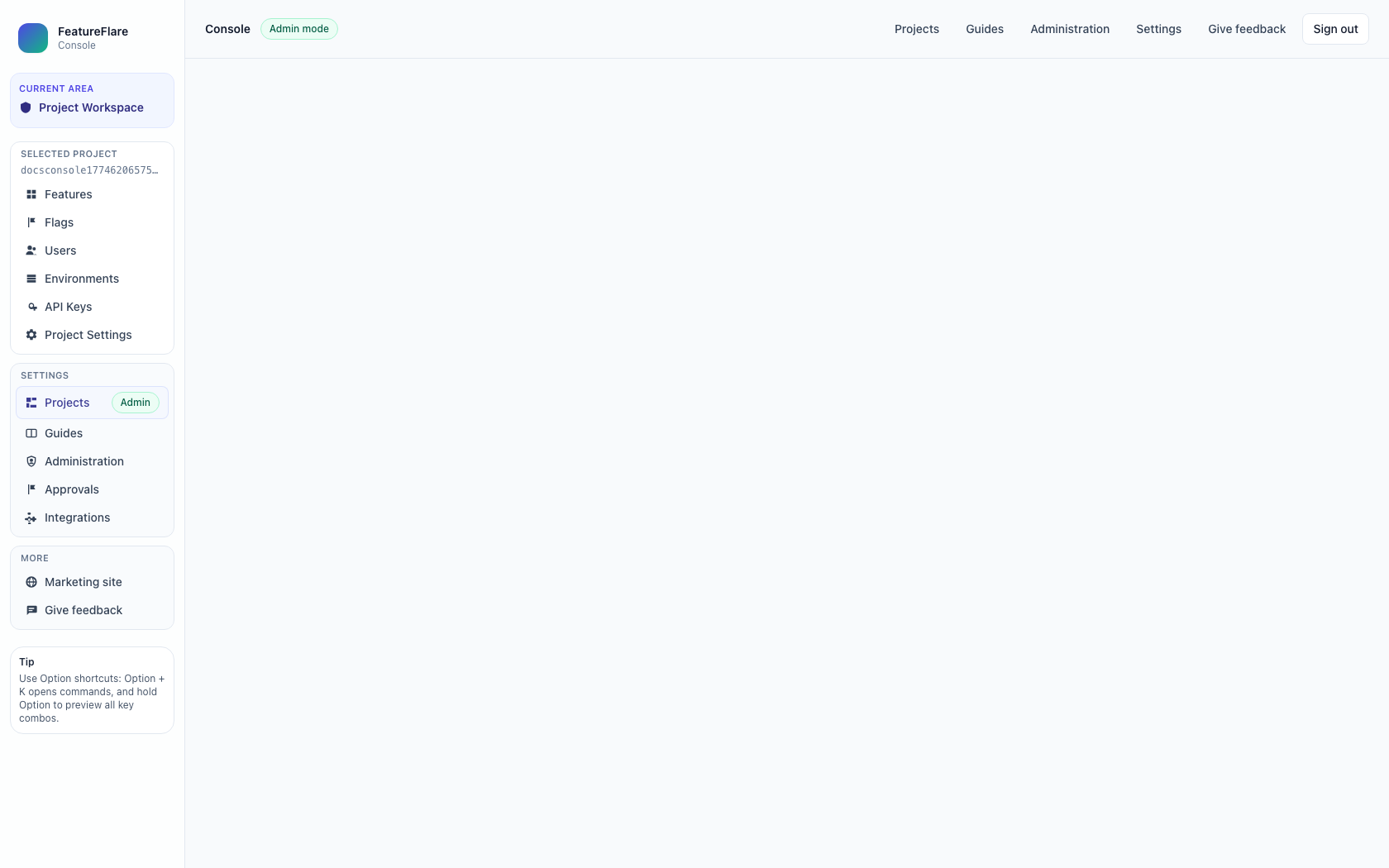
Open project
The Open button is a direct navigation action, not a modal. It takes you to the selected project workspace.
How to use this flow
- Go to the Projects page and review existing projects.
- Select Create project and complete the modal.
- Use Open on a row to enter the project workspace.
- Continue in project pages like Features, Flags, Environments, and SDK setup.
Related docs
- Features Workspace to manage feature lifecycle and rollout progress.
- Quickstart to integrate the SDK after project setup.