Product Sections Tour
This guide walks the product top-to-bottom in operational order, using current screenshots for each section.
More on this: start with Projects Console Workflow and then continue with Features Workspace.
Ordered section index
- Projects
- Features
- Flags
- Users
- Environments
- API Keys
- Project Settings
- Administration
- Approvals
- Integrations (GitHub)
- Billing
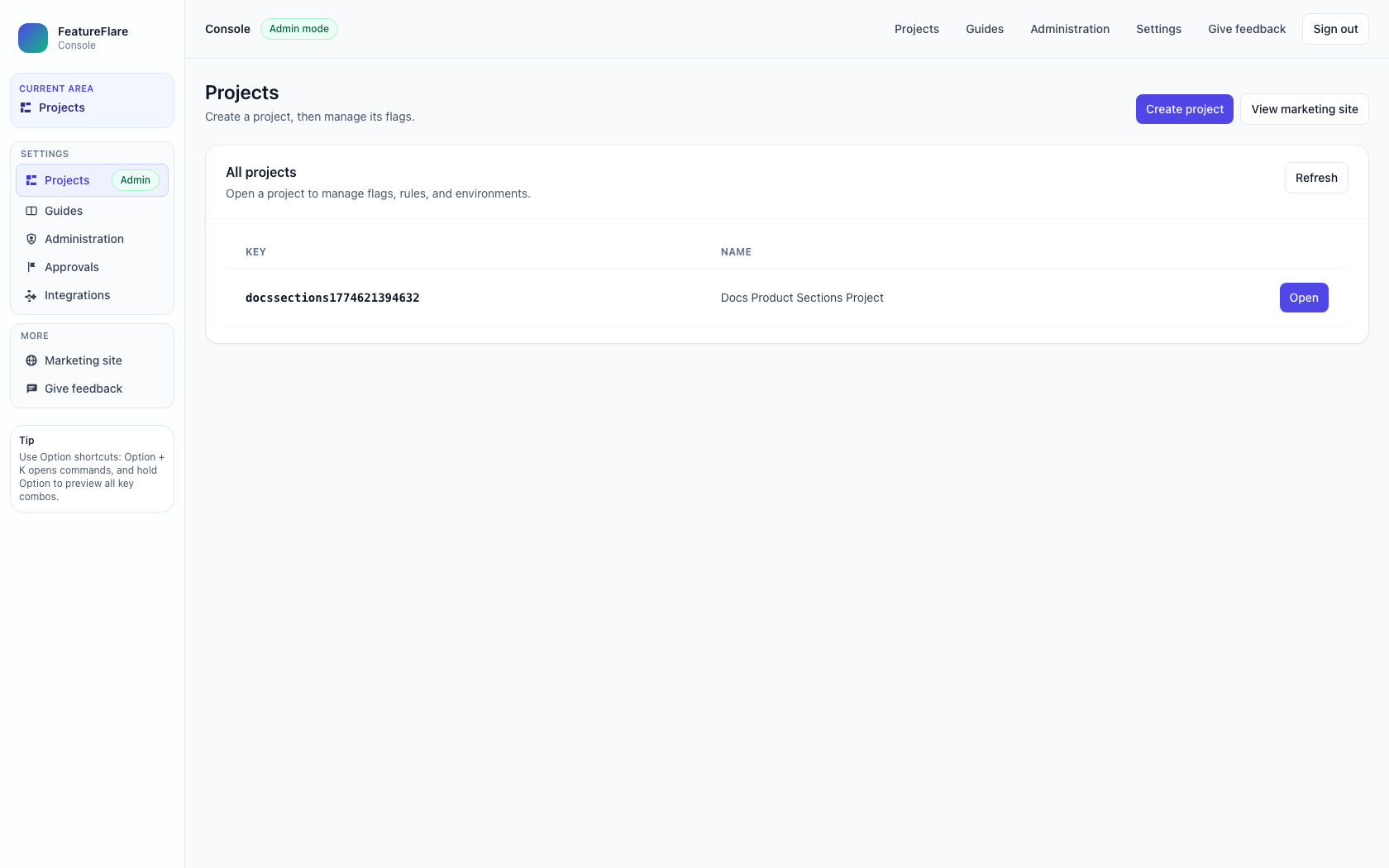
1) Projects
Create, list, and open projects. This is the top-level entry point for workspace operations.
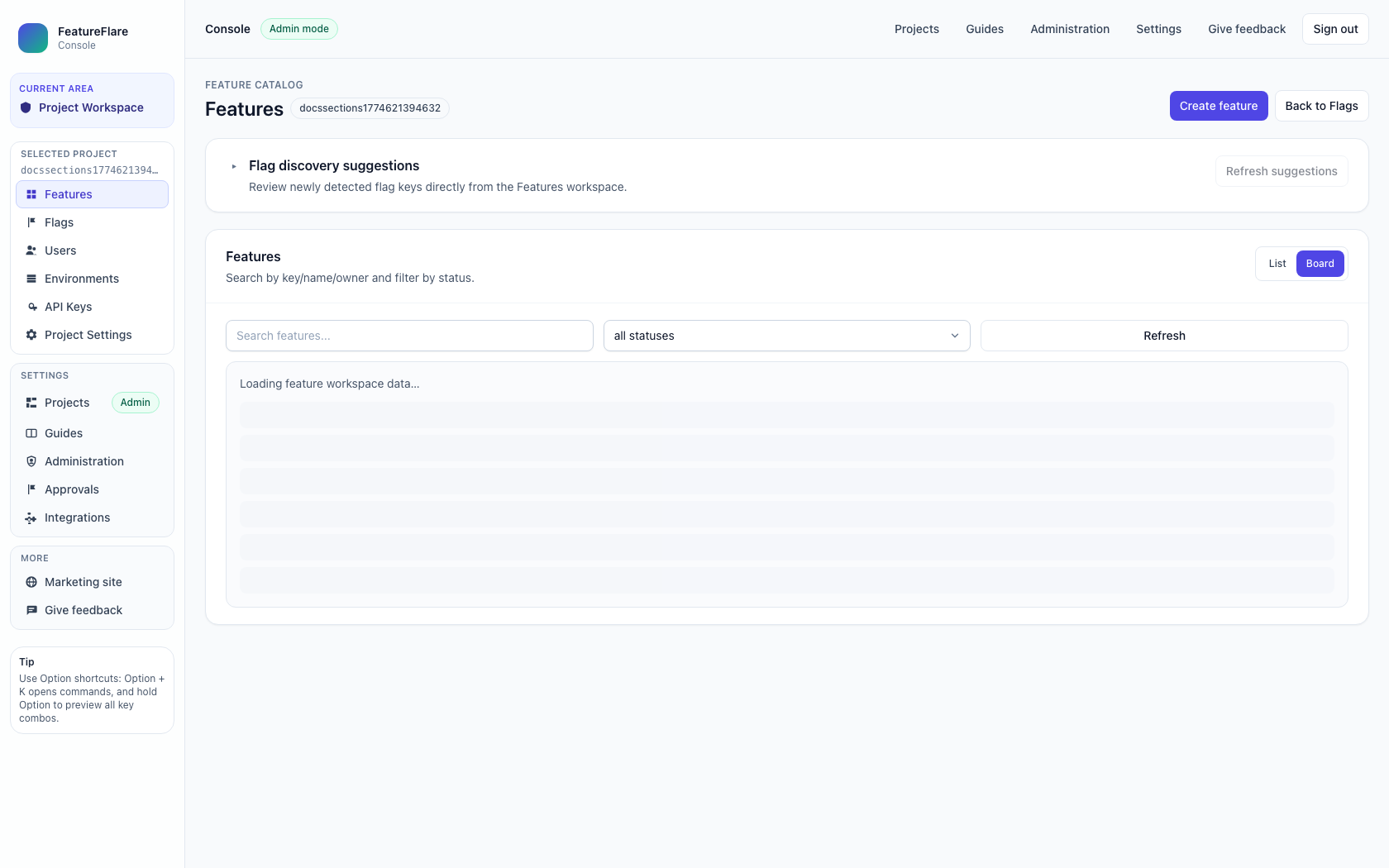
2) Features
Manage feature lifecycle and board/list progression by environment.
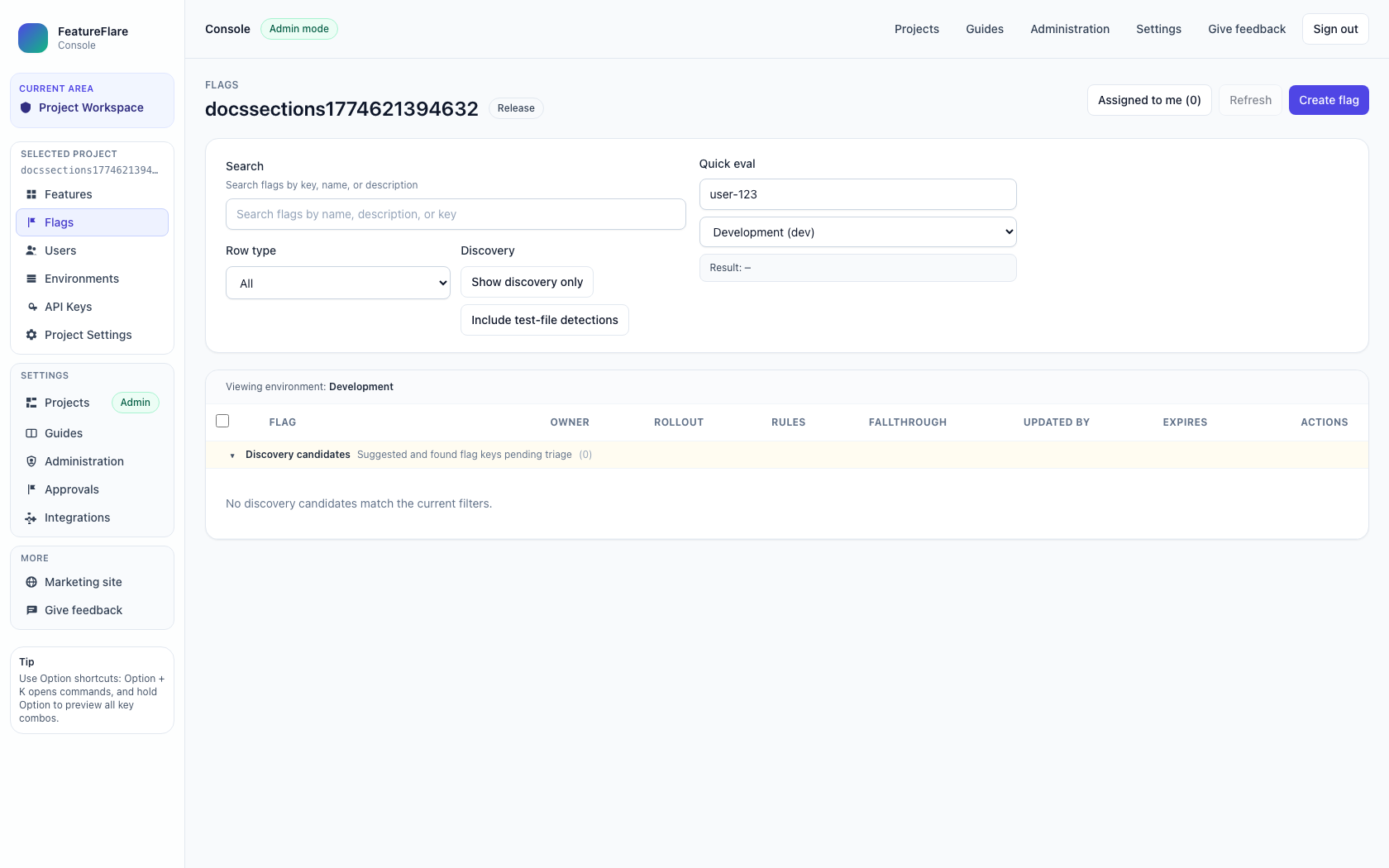
3) Flags
Define targeting and rollout behavior for runtime evaluation.
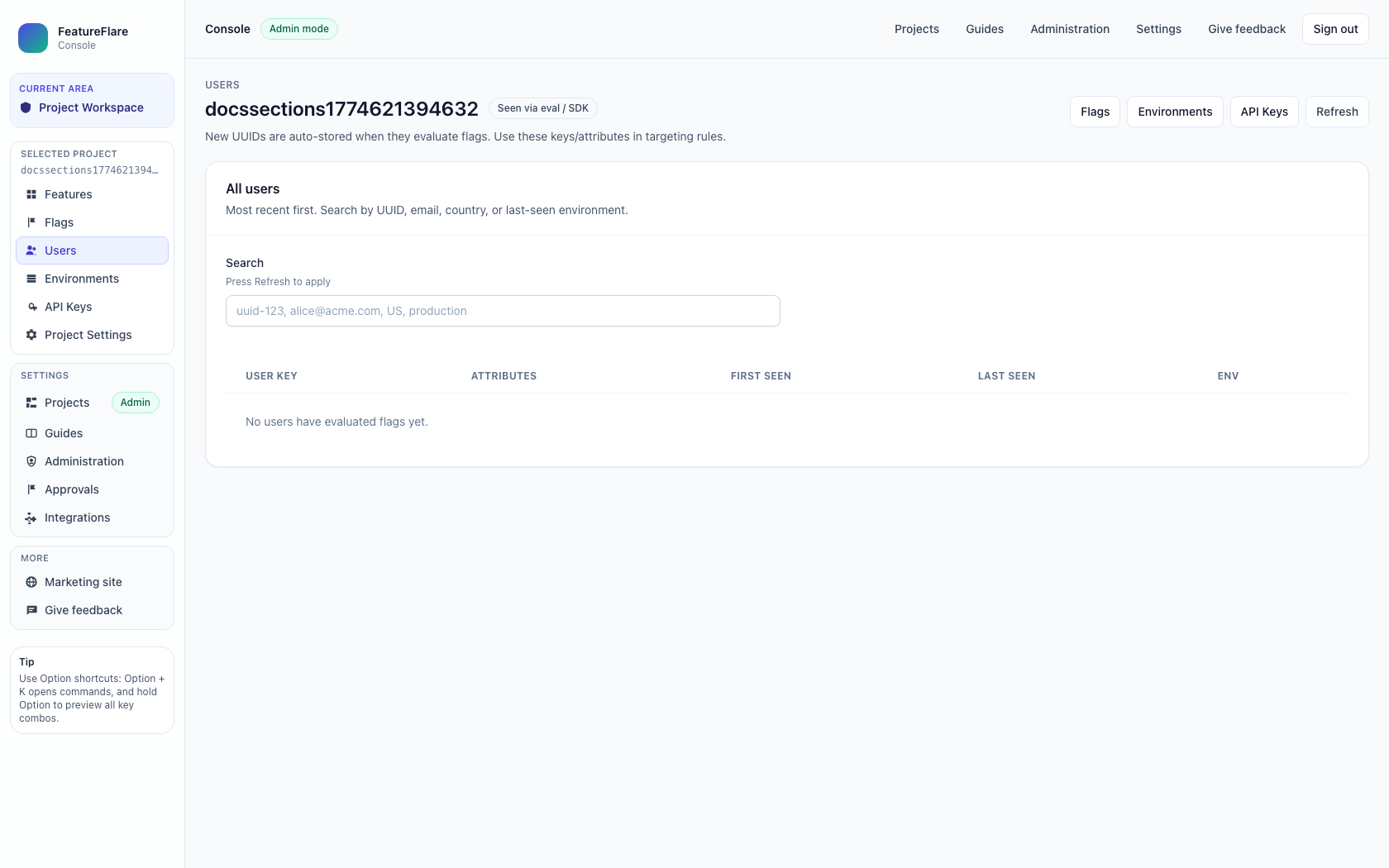
4) Users
Review project users and membership details relevant to feature access.
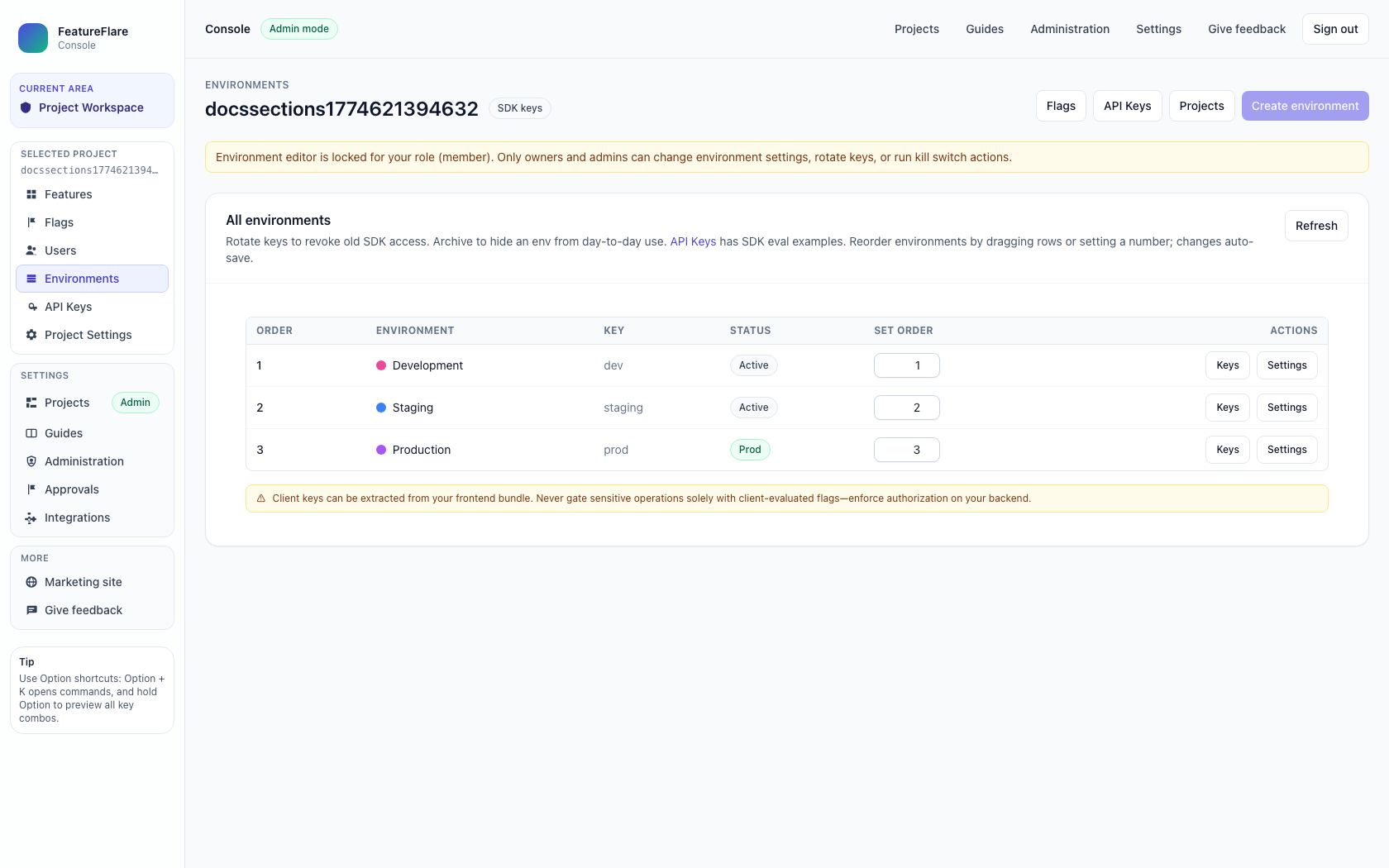
5) Environments
Configure environment-specific behavior and release readiness context.
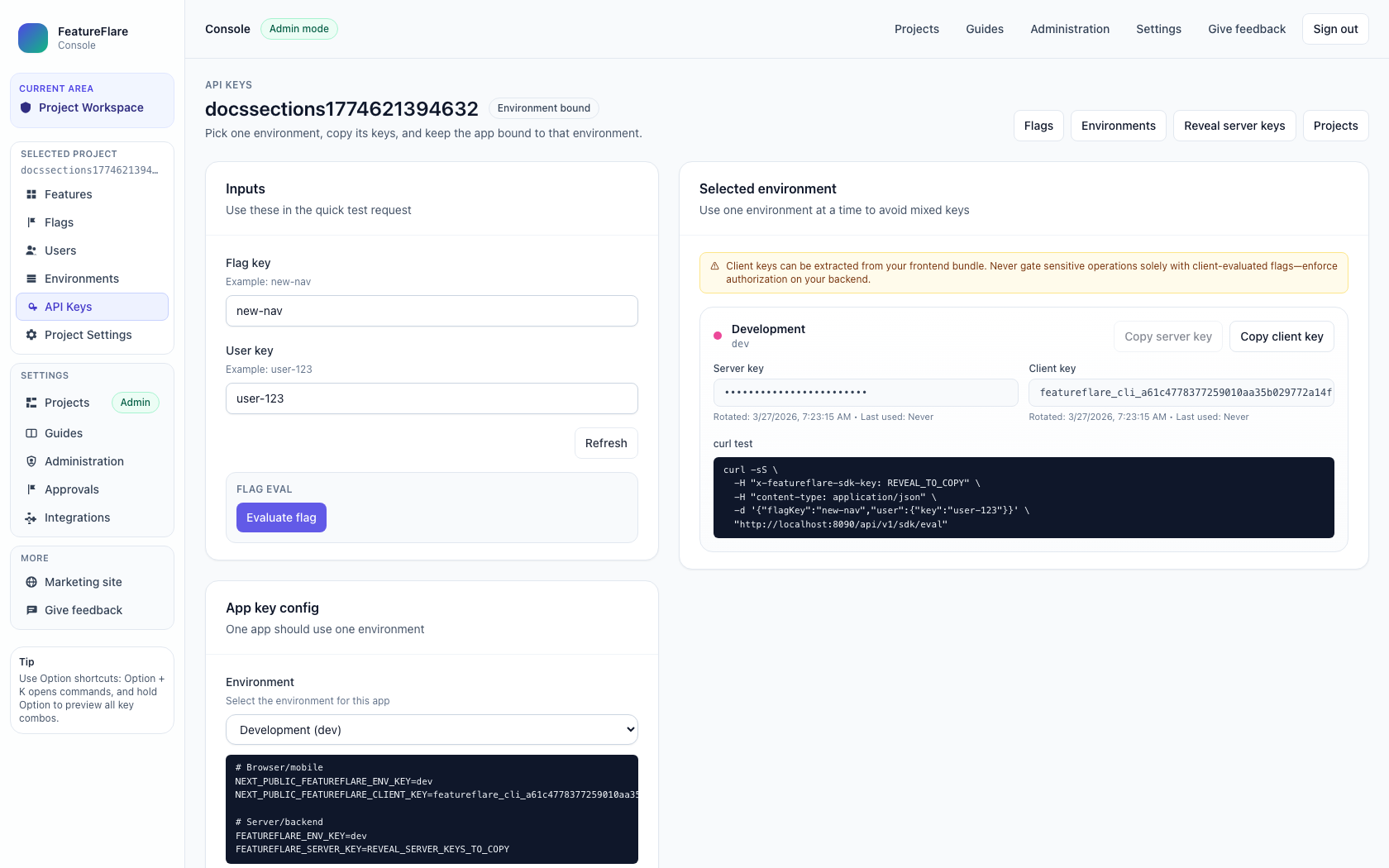
6) API Keys
Manage client/server keys and SDK connection details.
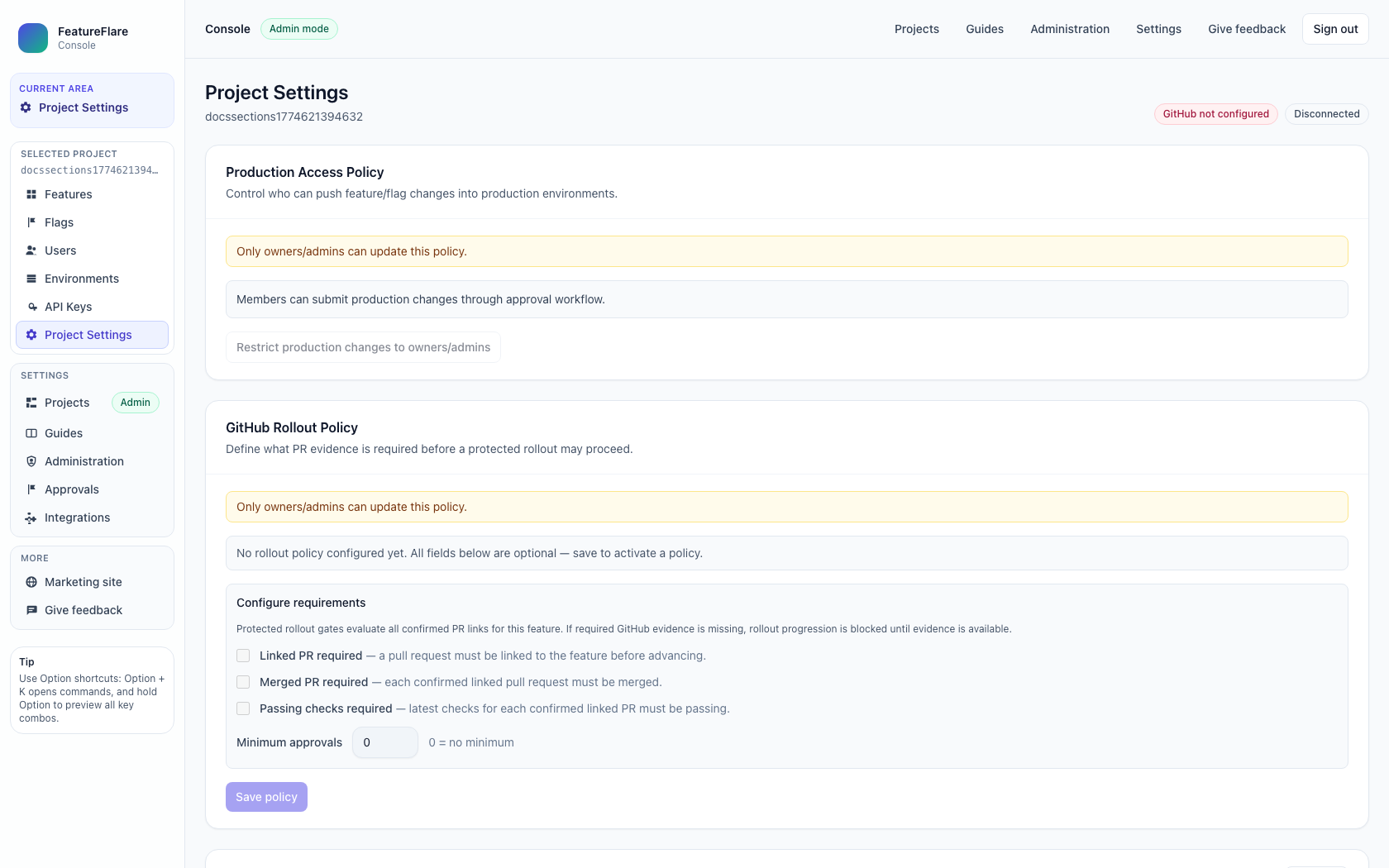
7) Project Settings
Control project-level governance, metadata, and project configuration settings.
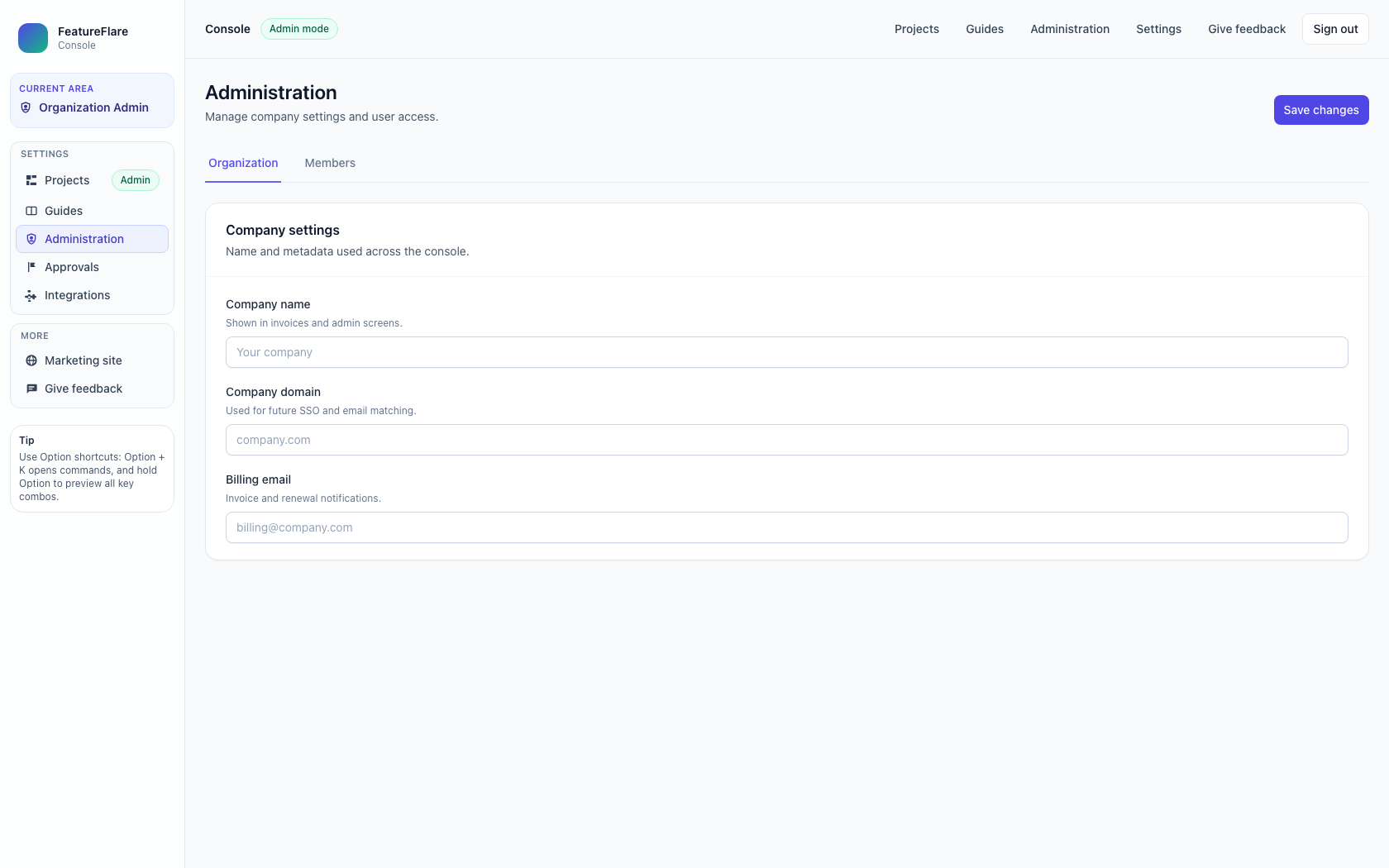
8) Administration
Organization-level admin controls beyond a single project scope.
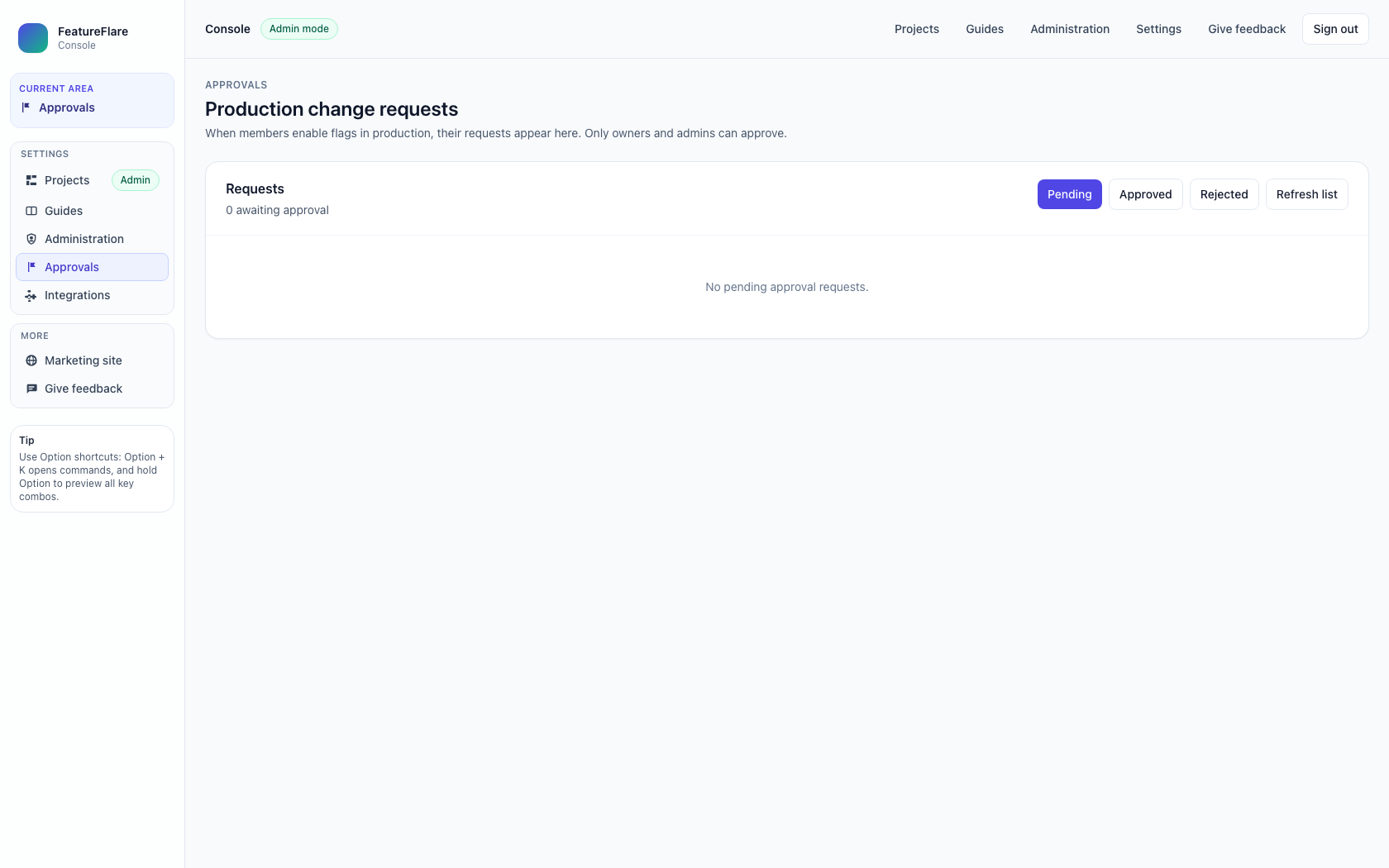
9) Approvals
Review and process pending approvals for governed production-impacting changes.
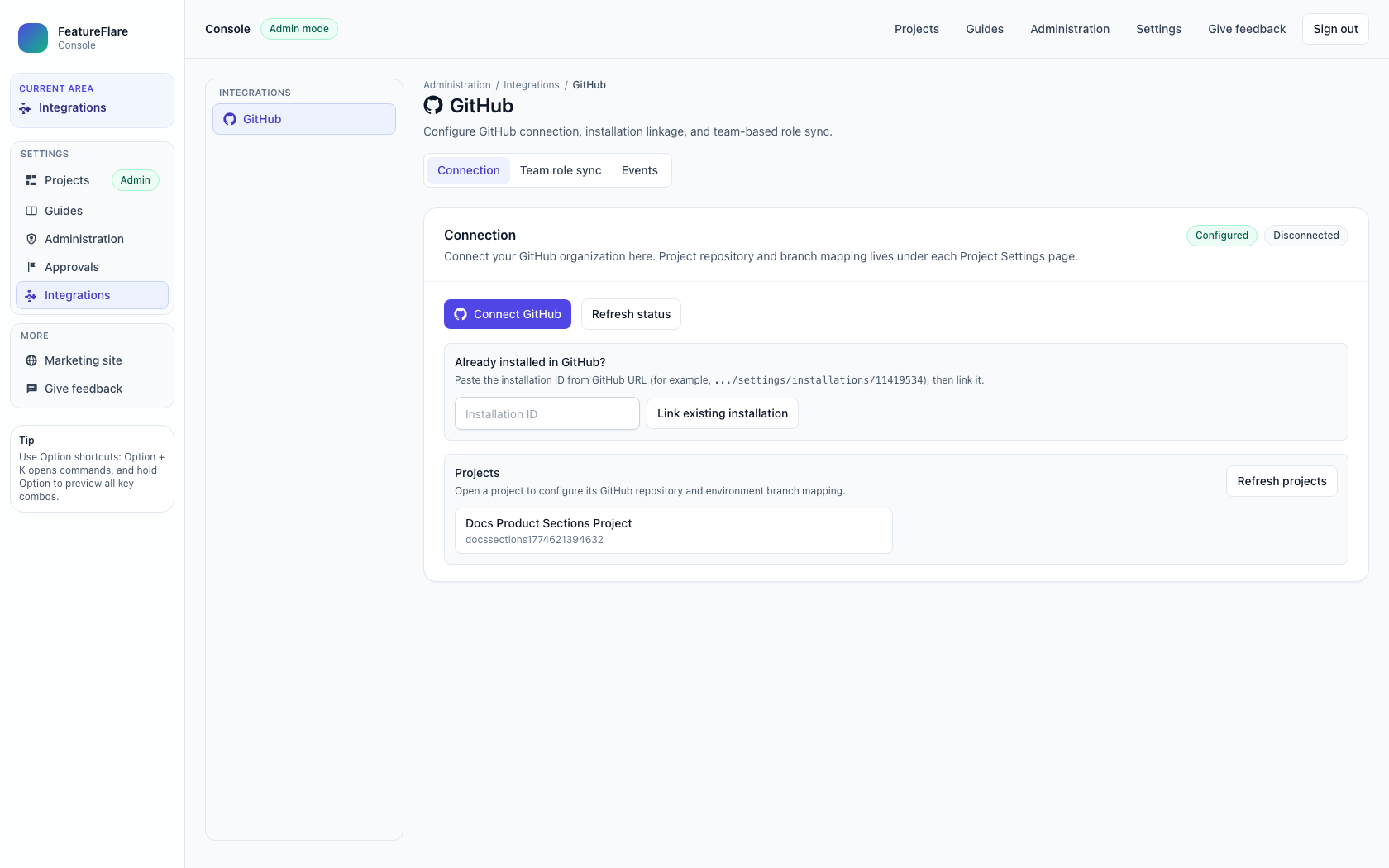
10) Integrations (GitHub)
Manage GitHub integration setup and repository-connected workflows.
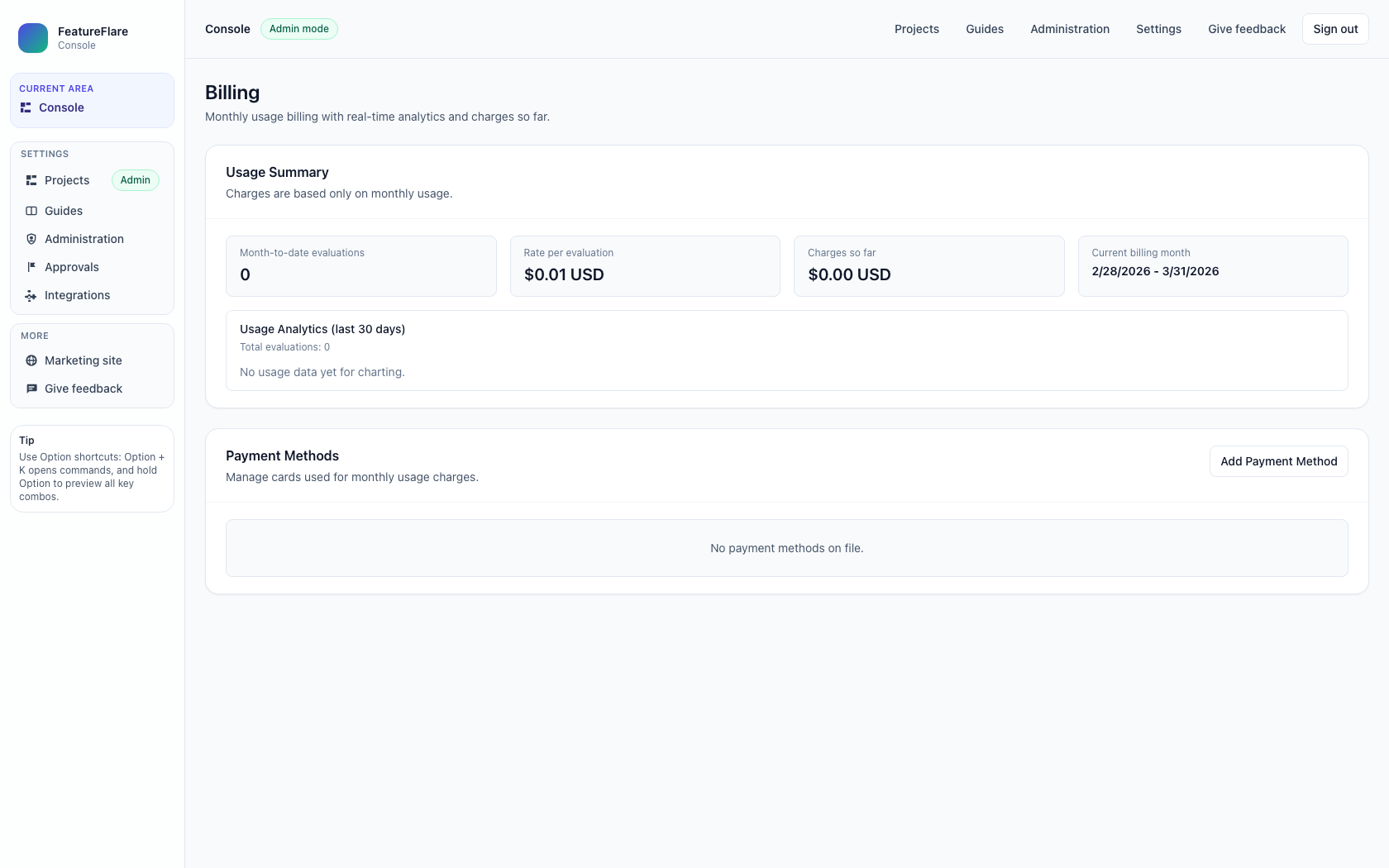
11) Billing
Review billing context and subscription-level operational settings.
Related docs
- Quickstart for SDK onboarding sequence after environment and key setup.
- FeatureFlareProvider and FeatureFlareReactConfig for client implementation details tied to these workflows.